

 sales@agilitz.com

Set up and activate a tag
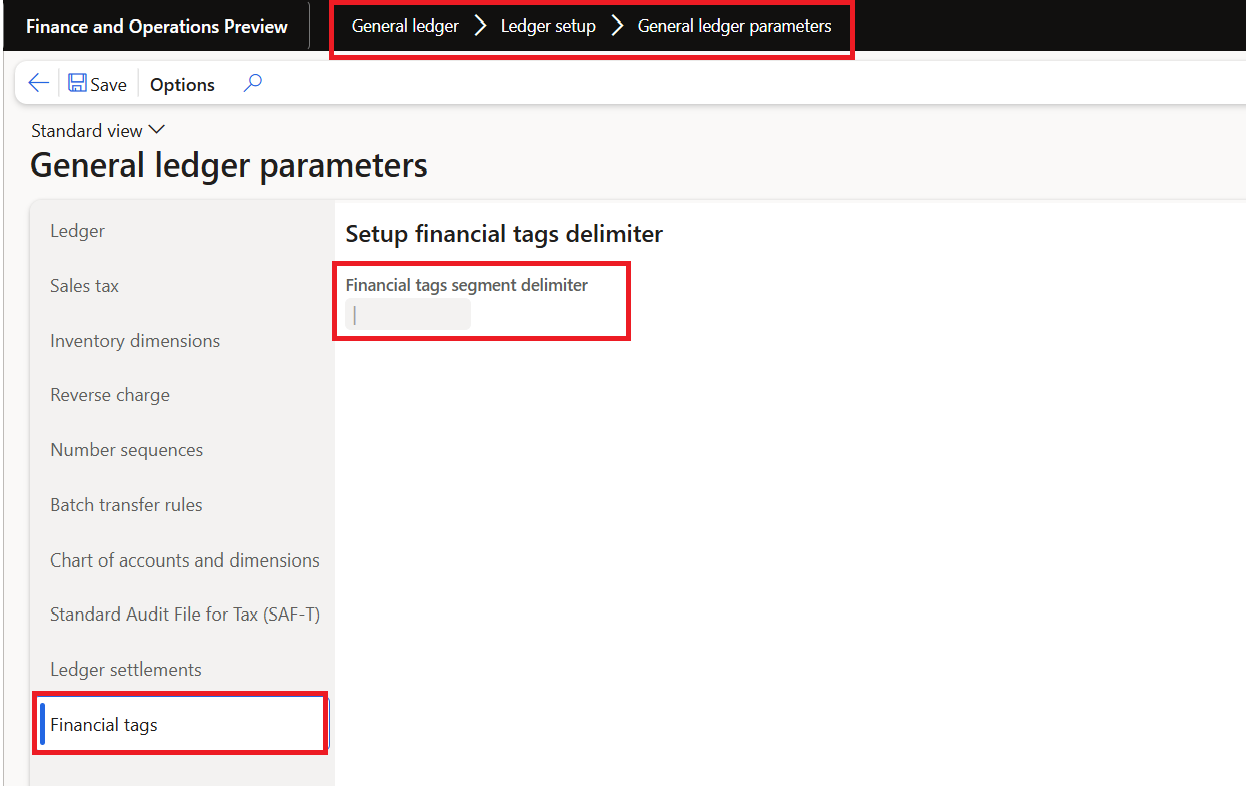
Define the delimiter in General ledger parameters before setting up tags. Then create the tag, choose its value type and activate it in the relevant legal entity. Labels must follow the application’s naming rules.
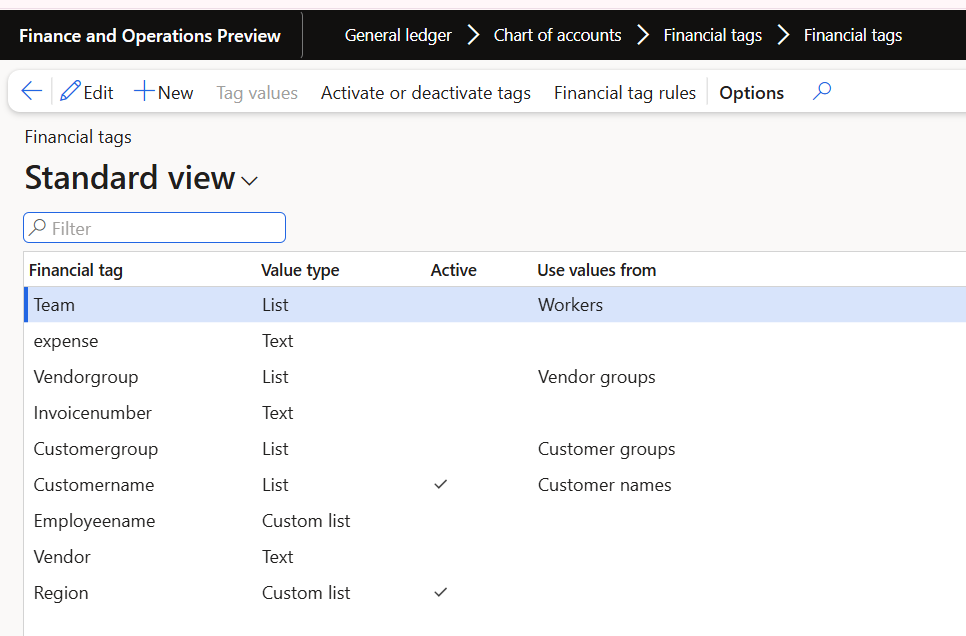
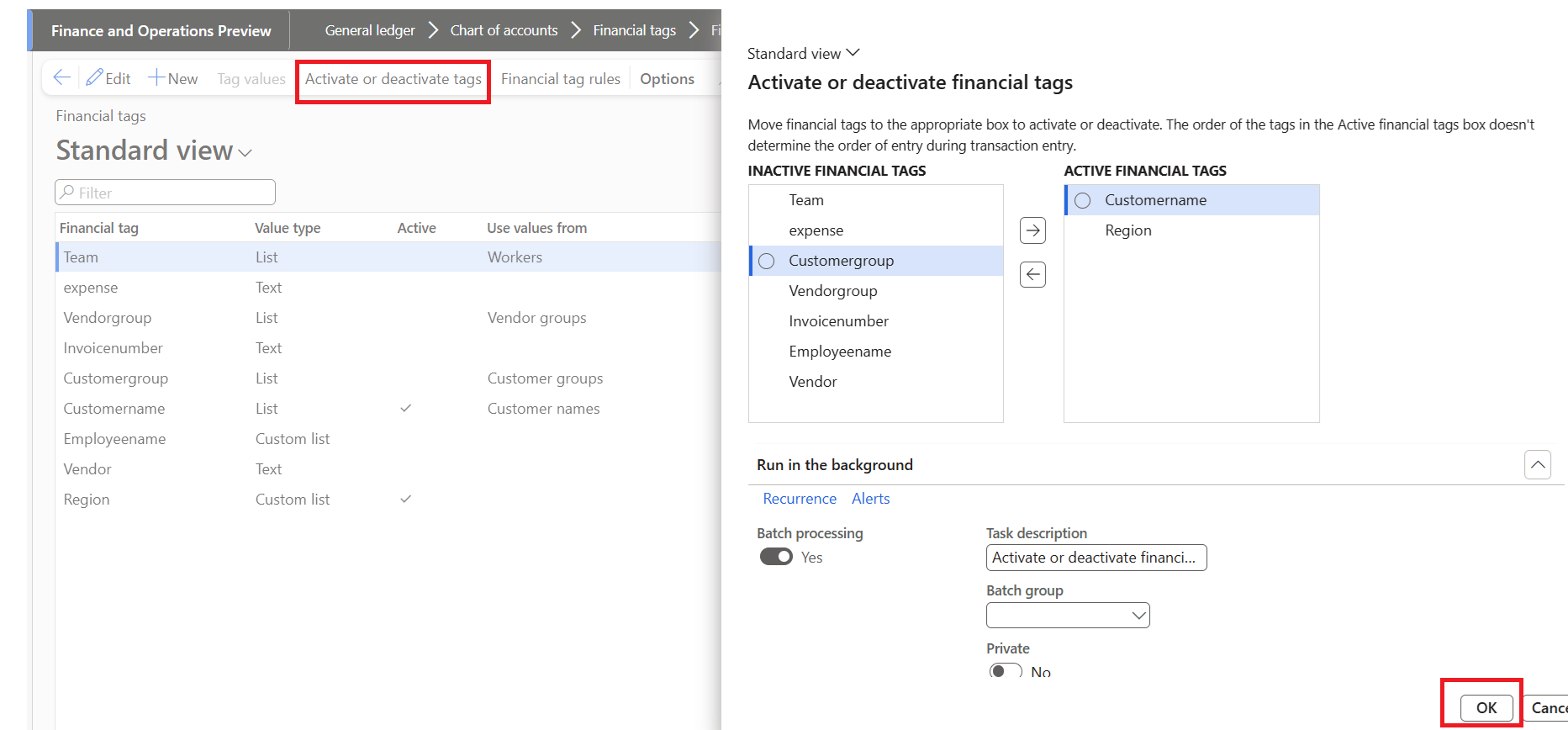
Text allows free entry. List and Custom list provide suggested values but do not, by themselves, enforce membership. Finance 10.0.44 introduced Fixed list and Fixed custom list for restricted value entry. Choose the type that matches the actual control requirement.
Default values with a rule
Enable Financial tag defaulting rules and configure the document entry point, transaction level and target tag. A condition builder or supported Power Fx formula determines the default value.
The rule can use available transaction fields, but support differs by document and application version. Check which fields and entry points are available instead of assuming that every tag-enabled document supports the same defaulting behaviour.
Test the record lifecycle
A default is not a one-time design decision. Test record creation, field changes and saving, together with the overwrite setting. Header-to-line copying and user-defined rules can execute at different points.
- Does the rule populate the right target and transaction level?
- What happens when a user enters a different value?
- Does the rule replace an existing value only when intended?
- Do existing lines change when the header changes?
- Does the tag reach the expected posted accounting entries?
Part 2 applies these questions to a Region tag on a sales order. Keep the test focused on the full document lifecycle, not only the first value visible on the header.
Further reading
For current feature availability, prerequisites and detailed configuration, refer to Microsoft Learn.
Screenshots and scenarios are illustrative. Interface labels and available features can vary by application version and environment.